
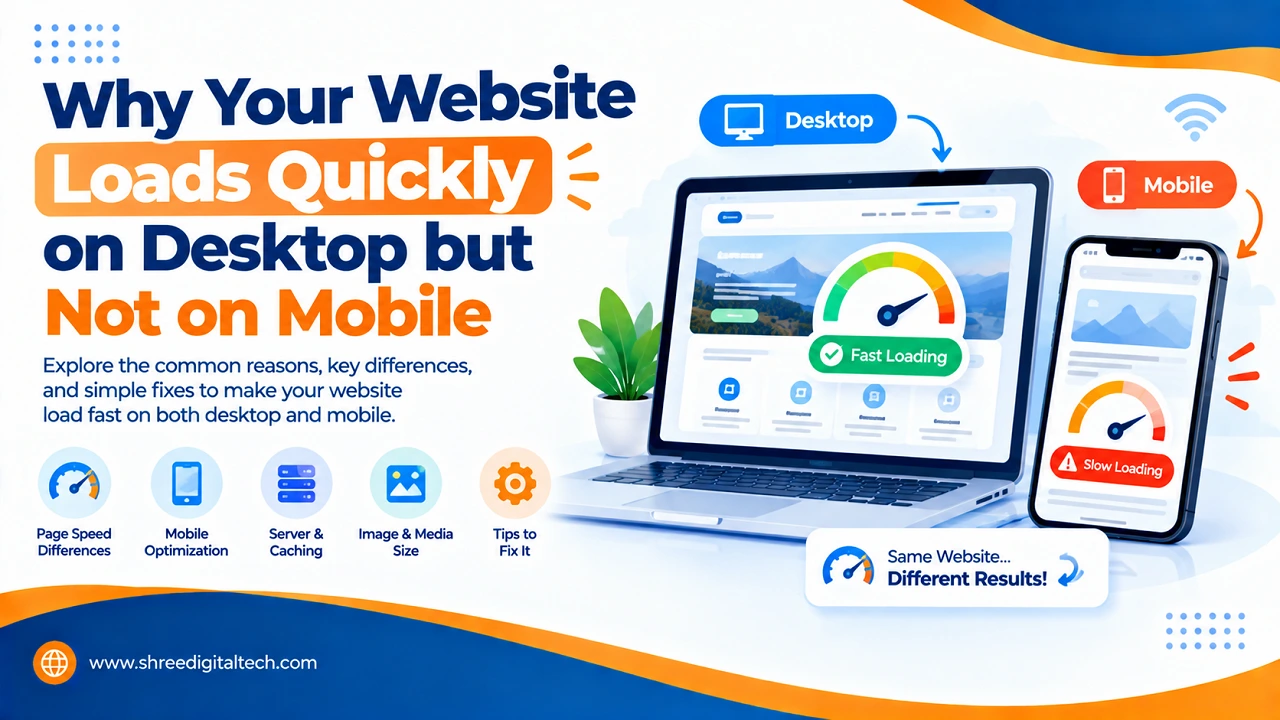
Do you ever open your own website on your laptop and experience a feeling of satisfaction at how quickly it loads? The page feels smooth and everything looks clean. The pictures appear right away. Then someone tells you that the same website took a long time to load on their phone, and they left before it was even done.
If you have experienced this, do not worry. You’re not the only one having problems with your website. This is one of the most common problems for small business owners and once you understand why it happens, the fixes are usually simple.
Why Desktop and Mobile are So Different
A desktop and laptop computer is simply more powerful than a phone. It has a faster processor, more memory, and is often connected to fast, reliable Wi-Fi. Mobile data can be slow or unstable depending on where the person is, like in a store, on the street, or inside a building with a weak signal. A phone, even a good one, doesn’t have as much power.
So if you only test your website on a good office Wi-Fi connection with your laptop, you are testing it in the best possible conditions, not the conditions your actual customers face every day.
Also Read: XML Sitemap: A Simple Guide with Real Examples
The Biggest Problem: Heavy Images
Big images are one of the main reasons why websites can feel so slow on mobile. A photo right out of a modern phone camera can be five to ten megabytes. If you upload that image to a website without resizing or compressing it, it might take a long time to load, especially on a phone on mobile data.
A desktop with a fast connection will be able to deal with this large file with little delay. But a phone, especially on a weak network, really has a hard time with it. The good news is that this is an easy fix. Compressing images to the size they are actually displayed on screen, and using lighter formats like WebP can reduce page weight considerably without making the pictures look any worse.
Too Many Scripts Running Continuously
These days, it seems like every website has a lot of extras like tracking codes, popups, sliders, social media embeds, and chat widgets. Each one of them looks innocent and small. But when you put a few of them together they’re all fighting for the same limited processing power that a phone has.
A desktop computer can usually handle this extra work without any noticeable lag. Phones aren’t always the same, especially if it’s an older or mid-range phone. On a laptop, a site may feel fast, but on a phone, it may feel slow and jumpy, with buttons that take a moment to respond after being tapped.
Poor Hosting or Server Setup
Sometimes it’s not the design of the website that’s the problem at all, it’s what the website is running on. Some hosting plans are fine when a few desktop visitors are browsing, but they start to slow down when real mobile traffic kicks in, especially during busy hours. In such scenarios, updating the hosting plan or implementing proper caching can make a real difference to loading speed.
Also Read: Keyword Difficulty or Search Volume: How to Choose the Right Keyword
Not Testing in the Same Way as Actual Clients
One big reason this problem goes unnoticed for so long is that many websites are only tested on a developer’s own laptop, connected to a strong home Wi-Fi. If you go to the same website on a real phone, on normal mobile data, it might act in a totally different manner.
To get ahead of these issues, try turning off Wi-Fi and loading the site using only mobile data. Buy a mid-range phone, not the latest model. Test the important things, like the contact form, the menu, and the “Call” or “WhatsApp” button, as these are often the last things to load.
Why This Also Hurts Google Ranking
When Google and other search engines decide how to rank your website, they look at the mobile version of it first, not the desktop version. So, if the mobile experience is bad, Google will see your website as a slow website overall, even if your website looks good on a computer. When mobile sites are slow, you can lose visitors and your search ranking simultaneously.
The True Cost of a Slow Mobile Site
When a website is slow on mobile, it’s not just frustrating for visitors – it can cost real business. If people can’t find your services easily, click a button, or fill out a form, they’ll probably leave and go to a competitor. This can make a business look out of date or sloppy even if the actual products or services are great.
Also Read: Semantic SEO: How It Works and Why It Matters
The Simple Solution
Fixing this problem typically does not require you to rebuild your entire website. Most of the time it means:
- Before uploading, compress and resize images
- Getting free of plugins, scripts or widgets you don’t really need
- Use fewer fonts and font weights
- Proper Caching Enabling
- Testing the quality of hosting, especially during peak hours
- Testing the site like a real customer – on a phone, using mobile data
Speed on mobile is not just an aspect of technology. It can make the difference between a customer sticking around on your site or leaving within seconds.
Frequently Asked Questions
Q1. Why is my website fast for me but slow for my customers?
You are likely testing it on fast Wi-Fi with a good device that hides the real issues that arise when a customer opens the same site on mobile data.
Q2. Will compressing images help that much?
Yes, a lot. Large images are one of the biggest reasons why mobile pages load slowly. Properly compressing them usually does not noticeably reduce the visual quality.
Q3. Do I have to change my web hosting to resolve this?
Not always. Often, just optimizing images and removing unnecessary scripts solves the speed problem before hosting even needs to be considered.
Q4. How can I check my website’s actual mobile speed?
There are free online tools you can use to test your site under mobile network conditions and see exactly what’s slowing your site down.
Q5. Does a slow mobile site actually hurt consumer trust?
Yes. Even if your products or services are good, if your site takes a long time to load on the device that most of your potential customers actually use, it can give the impression that your business is out of date or not well looked after.
Q6. Will mobile speed impact my Google ranking?
Yes. Since Google primarily tests sites based on how they perform on mobile devices, a slow mobile experience can hurt your search ranking, even if your desktop site loads quickly.