There may be useful information on a website but that does not mean that visitors will find it easy to find. If pages, menus, headings and content are not well organised, users may get confused and leave the website. A clear structure will help visitors find what they need and will also make it easier for search engines to understand your website.
There is more to organising website information than just making a website look clean. It’s about creating a simple path for users to follow from one page to another without getting lost. This guide shows you practical ways to organise your website information and create a better experience for users and search engines.
Know Your Website Goal
Think about what you want your website to do before you start organising your pages. A business website may want people to contact the company. An online store may want people to find products and make purchases.
Organise information according to your website goal. Important pages should be easy to find and unnecessary information should not distract from the main purpose of the website.
Once you know what you want then it’s easier to work out which pages you need, how to connect them and what you want to show first.
Also Read: Everything You Need To Know About Keyword Difficulty
Build a Basic Website Structure
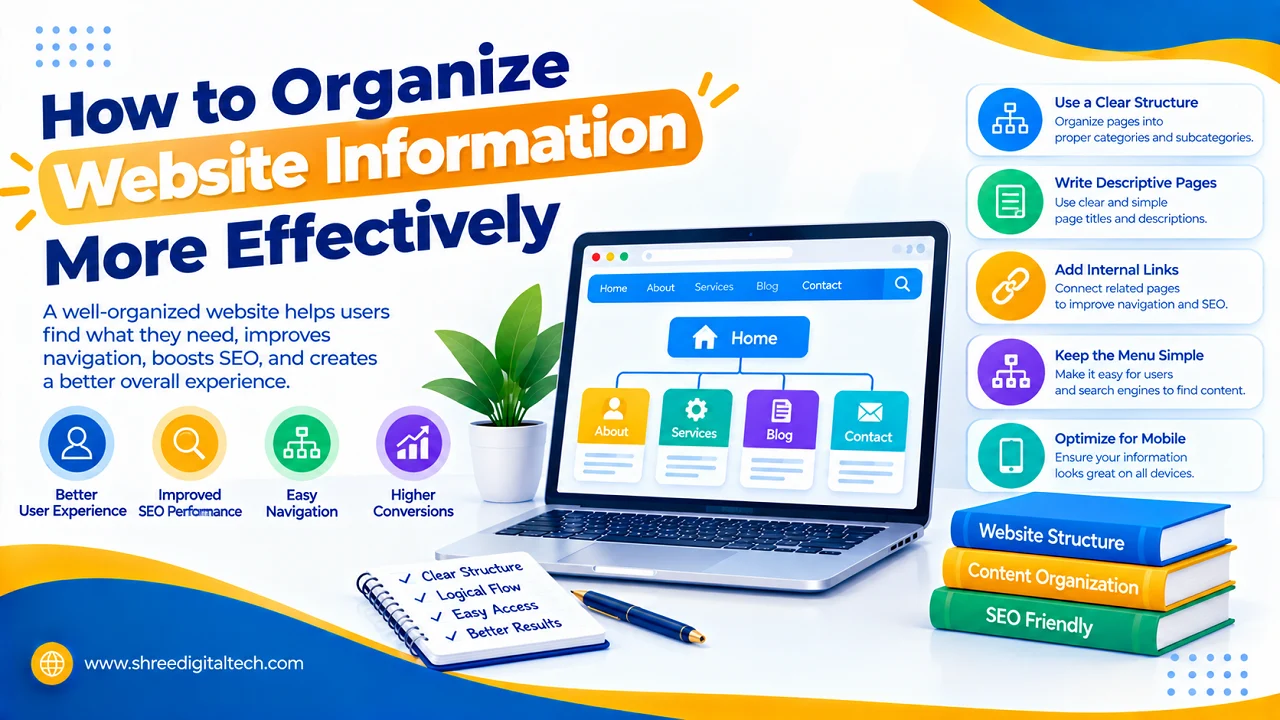
A website hierarchy explains how pages are connected. Usually the home page is at the top, then the main categories and then even more specific pages.
For example, a website that sells clothing may have categories like Men, Women and Kids. Under these categories, there could be different pages for shirts, trousers, dresses, and shoes.
Keep this structure as simple as possible. Visitors don’t want to click through a bunch of pages to reach basic information. Plus, a simple hierarchy helps search engines understand how different pages relate to each other on your site.
Arrange the Main Navigation
Visitors’ first interactions with a website include its main navigation. It should have links to the most important pages.
Navigation Items Common Names Main Navigation More Options Search Button Link Words such as Home, About, Services, Products, Blog and Contact have easy to understand.
Don’t overload the main menu with options. If visitors see a long list of links, they may find it hard to know where to start. If you have lots of sections on your site, you can add categories or drop-down menus.
The navigation should also be consistent across important pages so the users know where they are all the time.
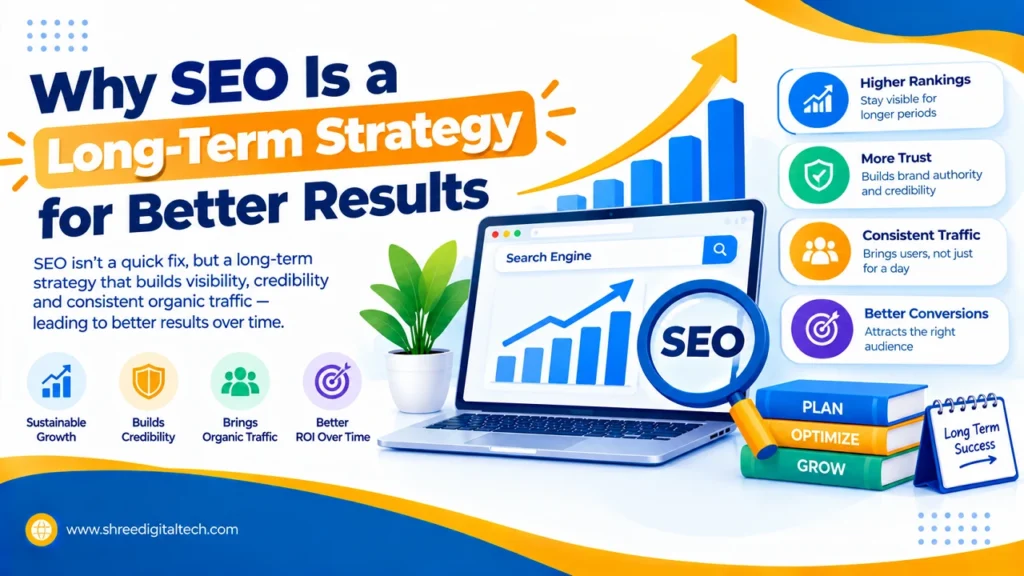
Also Read: Why SEO Is a Long-Term Strategy for Better Results
Group Related Information Together
Things that go together should be near each other. This makes it easier for visitors to navigate between pages and learn more about a topic.
So, if you have a page related to digital marketing services, some of the related pages could be SEO, social media marketing, content marketing, and paid advertising. They can link to each other where relevant.
This method creates logical groups within your website. This also allows users to find useful information without the need of going back to the homepage every time.
Use Clear Headings and Subheadings
All the information that is in big blocks of text can make long pages hard to read. Use clear headings and subheadings so readers can scan the content.
The primary header should state what the page is about. Information can then be broken down into smaller sections with subheadings.
For example, a page on website security can be split into the following sections: website security basics, common security risks, ways to protect your website, and security tools.
Good headings also assist search engines in understanding what the main topics of a page are.
Create Useful Internal Links
Internal links are links that link one page of your website to another page on the same website. They help visitors find related information and navigate through your content.
For example, a blog post on SEO basics can link to another helpful page on keyword research. A service page can also link to related case studies or supporting articles
Use descriptive anchor text so visitors know what they’re going to find when they click on. Internal links should be natural and only added if the page you’re linking to is genuinely helpful.
Make Important Pages Easily Accessible
Some pages carry more weight than other pages. Important service pages, product pages, contact pages and other important sections should not be hidden deep inside the website.
As a general rule of thumb, if you can keep important information within a few clicks of the homepage, that’s a good thing. That is not to say that every website should have a certain number of clicks, but a flat and logical structure is usually more user friendly.
Regularly check your website for pages that are hard to reach. This will then improve navigation and add relevant internal linking.
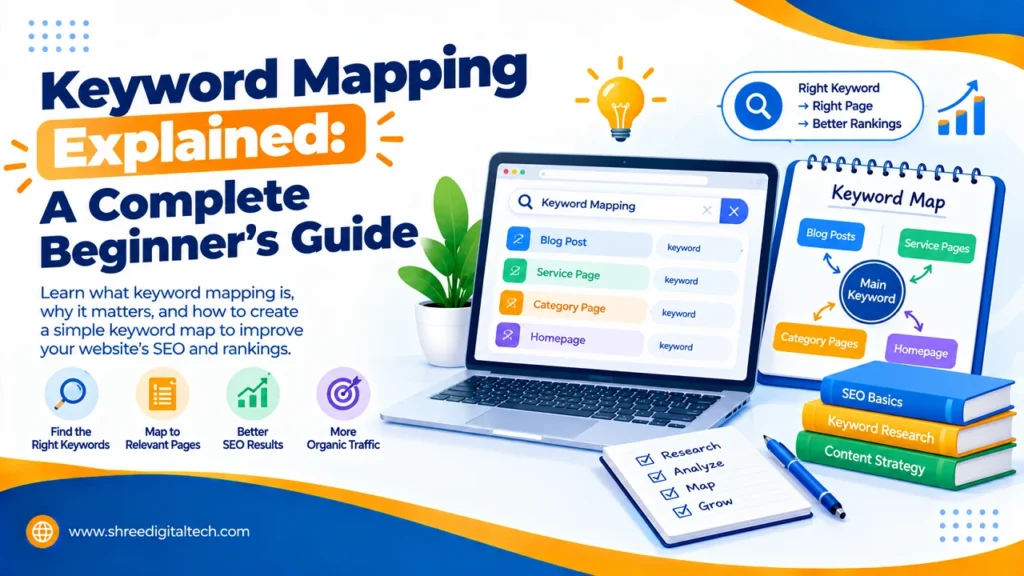
Also Read: Keyword Mapping Explained: A Complete Beginner’s Guide
Make URLs Simple and Descriptive
Another part of the organization of information is the website URLs. A tidy URL can give users an idea of what the page is about, before they open it.
For example, example.com/seo-services is more readable than a URL with random numbers and characters.
Use short, readable URLs that are relevant to your page topic. Use simple words not unnecessary information. A uniform URL structure can also help manage large websites easier.
Make the Website Easy to Search
A search function can be helpful if a website has a lot of information. Visitors can use it to find specific products, articles, services or other pages instead of browsing through every section.
The search box must be easy to find and it must return good results. If possible, enable users to search for common words and phrases, instead of exact page titles.
Search is particularly helpful for e-commerce sites, blogs, news sites, and large business sites with many pages.
Check Mobile Device Structure
A lot of people browse the web on their smartphones. What appears to be a simple structure on a desktop can be difficult to use on a small screen.
Make sure that navigation is easy to open, headings are readable, buttons are easy to tap and important information is not hidden.
Mobile users must be able to move from one key page to another with a minimum of scrolling or clicking. A responsive website structure can help make the entire experience smoother.
Review and Improve Your Website Structure
You don’t need to get the website organization right the first time and change it never. As your website grows you might add new pages, services, products, articles and more.
Regularly check your website structure. Look for duplicate pages, broken links, out of date info, unnecessary menu items, and pages that are hard to access.
Tools for analytics can also tell you how visitors navigate your website. If visitors routinely exit a page without reaching useful areas, then the navigation or content structure may require improvement.
Final Thoughts
When a website is well-organised, it’s easier to find, understand and use the information on it. Have a clear hierarchy, simple navigation, related content groups, useful internal links, readable URLs and clear headings. Be sure to also check out the experience on mobile devices.
We do not attempt to build a complex system. A good website structure should be intuitive for visitors. When users can easily understand where they are and where they need to go next, they are more likely to stay on the website and explore more pages.
FAQs
1. Why is it important to organise information on a site?
It helps visitors to quickly find information and understand how different pages relate to each other. It can also make it easier for search engines to crawl and understand your site.
2. How should I organise my web pages?
Begin with your homepage, and make the main categories clear. Arrange related pages into the correct categories and connect useful pages with internal links.
3. How many items should be in a website menu?
There is not one number that works for every website. All the most important sections should be on the menu, but it should not be confusing or overcrowded.
4. What is a website hierarchy?
Website hierarchy is the way pages are organised and linked. It shows what pages are the main sections and what pages are for more specific information.
5. Do internal links improve website structure?
Yes. Visitors can find more information through internal links to related pages. They can also help search engines understand the relationships between pages.
6. Should website URLs be short?
People can usually understand and share short, descriptive URLs more easily. They also help you to manage your website structure.
7. How often should I revisit my website structure?
It’s good to review it often, especially if you’ve added a lot of new pages or services. Routine checks can help you find broken links, out-of-date pages, and navigation issues.