If you’re new to SEO, you might have heard the term “keyword mapping” and been confused about what it actually means. Simply put, keyword mapping is the process of choosing keywords and mapping them to specific pages on your website. You write a clear plan so that every page has its own job, rather than guessing which page should rank for which search term.
Here we will explain what keyword mapping is, why it is important for SEO, and how you can start doing it yourself, even if you are a total beginner.
What Is Keyword Mapping?
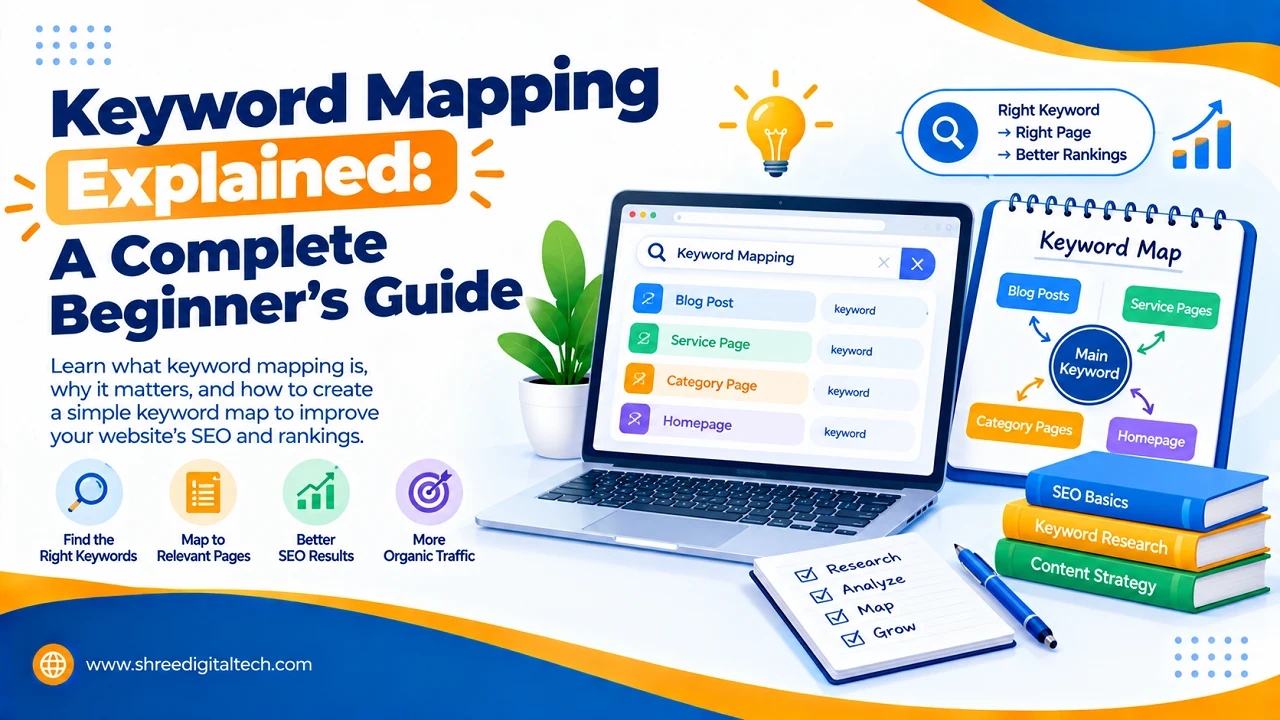
When you use keyword mapping, you give each page of your website a main keyword and a few related keywords that help it rank. So every page has a certain purpose. One page could be targeting “best running shoes” and another page could be targeting “how to choose running shoes” etc. They do not compete with each other.
Imagine your website as a small town and each page as a shop. Each shop should sell something unique or customers (and Google) will get confused about where to go. Each shop has its own character, courtesy of keyword mapping.
Also Read: How to Check Search Intent Before Selecting a Keyword
Importance of Keyword Mapping
Lots of websites publish content without a plan. They might get lucky and rank for a couple of keywords, but growth is random and difficult to repeat. A proper keyword map solves this problem in a few ways.
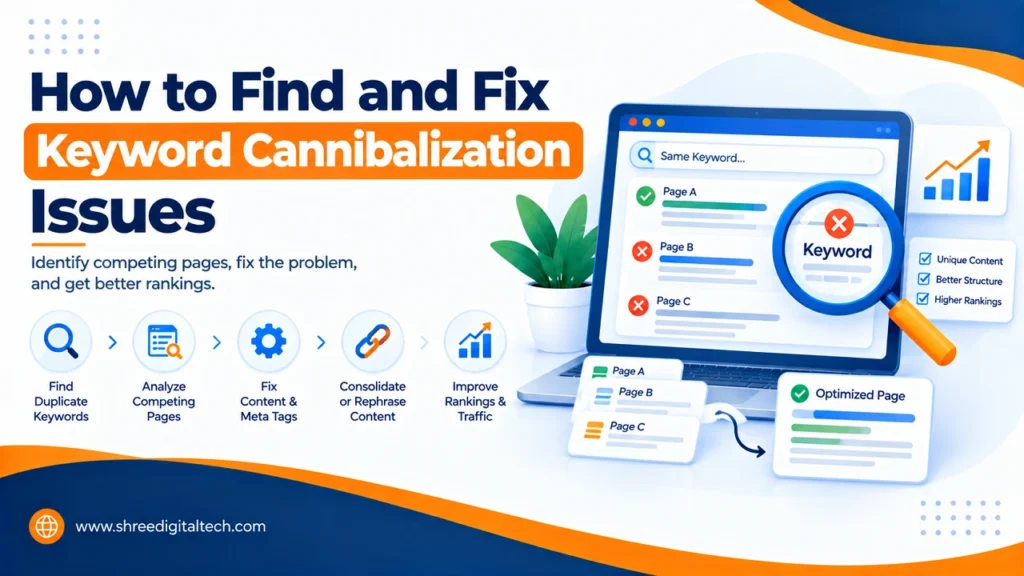
It avoids keyword cannibalisation. This is when two pages on your site are trying to rank for the same keyword. They don’t work together, they compete and that confuses Google on which page to show. A keyword map ensures that every keyword is assigned to exactly one page.
It fulfils search intent. Not all searches mean the same thing. There are those who want information, those who want to compare products and those who are ready to buy. Matching keywords to the correct page type (blog post, product page, comparison page, etc.) helps you give people exactly what they’re looking for.
It helps your site structure. Properly organising your keywords makes your internal links and site navigation more clear naturally. This also makes it easier for search engines to crawl and understand your site.
It shows content gaps. As you sort the keywords into a map, you will identify topics that you have not yet covered. This gives you new ideas for new content that can bring in more traffic.
This will save time in the end. Without a map you often find yourself rewriting or merging pages later because they overlap. This extra work can be avoided by planning ahead.
Also Read: XML Sitemap: A Simple Guide with Real Examples
How to Build a Keyword Map (Step-by-Step)
You don’t have to start off with expensive tools. A simple spreadsheet will be sufficient to get started.
Step 1: Keyword Research. Use a free or paid tool like Google Keyword Planner, Google Search Console, Ubersuggest, Ahrefs, or SEMrush. Check the keywords related to your business, their search volume and their level of competition.
Step 2: List all pages of your website. Add your homepage, pages for products or services, blog posts, and other important pages. You can pull this list from your website’s backend or a crawling tool like Screaming Frog.
Step 3: Organise keywords into topics and intent groups. Group together keywords that are similar in meaning. Is each group informational (people want to know something), transactional (people want to buy), or comparison (people are looking at options)?
Step 4: Every page needs a primary keyword. Choose the keyword that best describes the purpose of that page. The word ‘good’ is a good word, a positive word, a favourable word.
Step 5. Match keywords to the appropriate page type. For example, broad keywords are typically best suited to the homepage or a pillar page, while very specific, long-tail keywords are better suited to blog posts or cluster pages. Product pages should focus on keywords with buying intent.
Step 6: Create internal links. Once you know what the keywords are that your pages will be about, link related pages together in a natural, descriptive way. It helps users and search engines understand how your content relates.
Step 7: Monitor and Update Your Map. Search trends change with time. Review your rankings regularly using Google Search Console, a rank tracker, and update your keyword map accordingly.
Also Read: Why Your Website Loads Quickly on Desktop but Not on Mobile
Keyword Mapping vs Keyword Research
A lot of people mix these up, but they are two different steps. Keyword research is all about finding good keywords to focus on. Keyword mapping is all about deciding which page each keyword should live on. Research is the priority, but mapping is where you turn that research into a structured action plan.
Conclusion
Keyword mapping may seem like more work up front, but it will save you from bigger headaches down the road like pages cannibalising each other or content that never ranks. When you create your first keyword map, you’ll have a clear, easy-to-follow guide that tells you what each page should be about and where your content is still lacking. Start small. Keep it simple. Keep your map up to date as your website grows.
Frequently Asked Questions
1. What is keyword mapping in simple words?
This is the process of matching each keyword to a specific page on your site so that each page has a clear purpose and pages don’t compete with each other.
2. What is keyword cannibalization?
It’s when two or more pages on the same website compete for the same keyword, confusing search engines, and hurting both pages’ chances of ranking.
3. Do I need paid tools to create a keyword map?
No. You can begin with free tools like Google Keyword Planner, Google Search Console and a simple Google Sheet.
4. How often should I refresh my keyword map?
Review and update your keyword map every few months, or whenever you add new pages or see changes in your rankings.
5. Does keyword mapping only work for large websites?
No, even small websites require keyword mapping to ensure each page is focused and to avoid future overlap as the website grows.
6. Why do I need keyword mapping if I already do keyword research?
Keyword research only finds the good keywords. Mapping shows you exactly where you should be using each keyword turning your research into a real plan.