Every business that builds a website asks the same question: Which platform should we actually build it on? There are plenty of options out there. Drag-and-drop builders, AI site generators, hosted commercial platforms, open-source systems. Each one promises to be the easiest or smartest choice. However, when we look at what businesses really need in the long run – control, flexibility, growth and good returns – WordPress often comes out as the better choice.
More than 40% of all websites in the world are powered by WordPress today – no other content management system comes anywhere near this scale. That popularity is no accident of history. It’s a platform that has kept on solving real business problems over the last 2 decades, from simple basic business websites to full-scale e-commerce stores, learning platforms, and client portals. In this article, we’ll explain why WordPress is still the number one choice for business website, what makes it better than the alternatives, and its shortcomings.
What Should a CMS Do for a Business
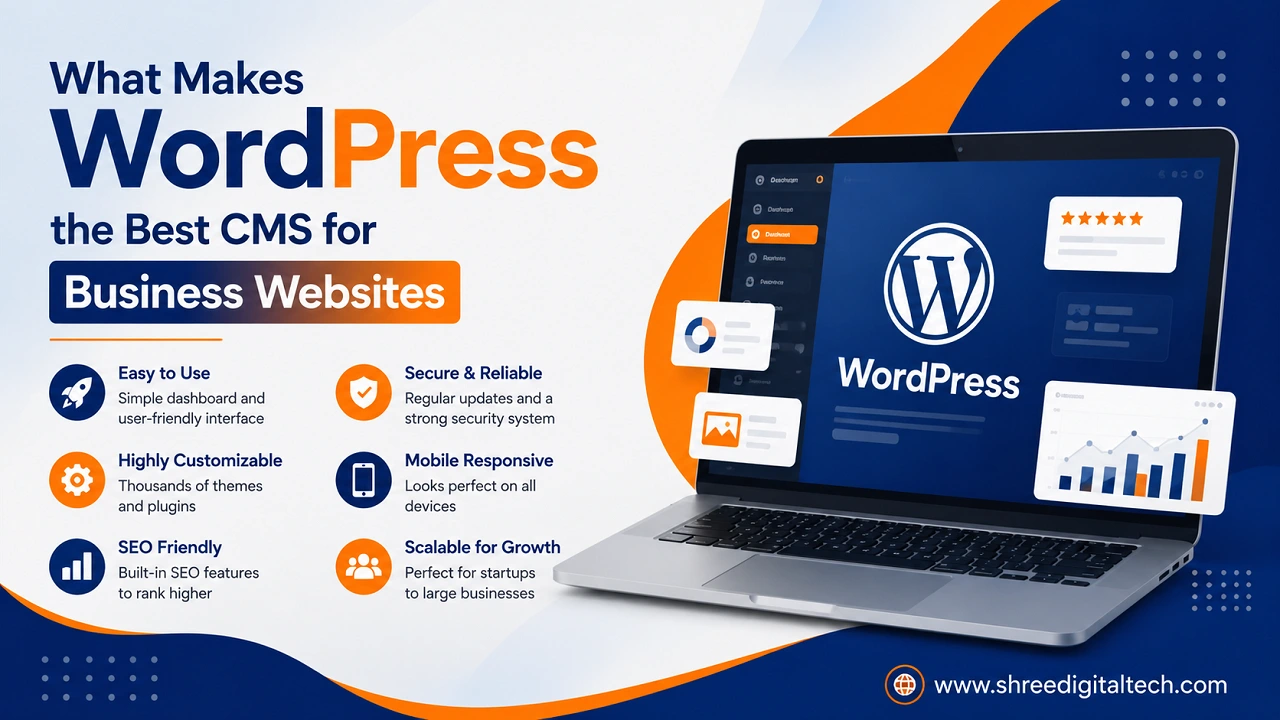
Before we get into comparing platforms, it’s worth setting out what a “business-grade” CMS should deliver. It’s not about how a website looks on launch day – it’s about how the business can operate through that website for years afterward. A CMS worth investing in should provide a business with full ownership of its content, a full and manageable SEO setup, the ability to grow without having to migrate to another platform, easy integration with the tools the business already uses, manageable security and maintenance, a clear cost structure, and access to a large ecosystem of developers and support. By those measures, it’s tough to top WordPress.
1. Full Ownership and Control
One of the greatest benefits of WordPress is that it is open source and self-hosted. Your content, design, and data are on your own hosting account — not locked in a proprietary platform that can change its rules, raise its prices, or block your access whenever it wants. With website builders and closed hosted platforms, you get a website but are essentially renting space in their ecosystem. WordPress is a business asset that it owns outright and can move hosts, change developers, or restructure the site and not start from zero.
2. Real Power Combined with Easy Use
WordPress hits the sweet spot that few platforms achieve. An individual on the team who is not technically skilled can access the dashboard, make changes to a page, publish a blog post, or replace an image all without having to touch a single line of code. And with that same foundation, developers are able to build highly custom functionality – custom post types, membership systems, booking engines, or complex integrations. That balance is what makes WordPress work as well for a small local business as it does for a fast-growing company that will need more sophisticated features later.
3. Exceptional Design Flexibility
It gives you thousands of free and premium themes to choose from, or you can build a completely custom website design from scratch, allowing a business to create a website that truly reflects its brand and doesn’t look like a generic template. Typically, businesses that want a distinctive, conversion-focused design partner with a WordPress design or development partner to shape the site around their specific goals — something far harder to achieve on rigid website-builder platforms with fixed layout constraints.
4. A Strong Foundation for SEO
Not appearing on Google? You’re not doing your job. You’ve probably heard that WordPress is one of the most SEO-friendly platforms out there. That’s because it allows businesses to control the technical aspects that search engines value most: clean URL structures, meta titles and descriptions, XML sitemaps, schema markup, canonical tags, and redirect management. Hosted and closed platforms often limit access to these settings. All of that is made possible by WordPress, and that’s a big part of why businesses that depend on organic search traffic tend to lean toward it.
5. Massive Plugin Ecosystem
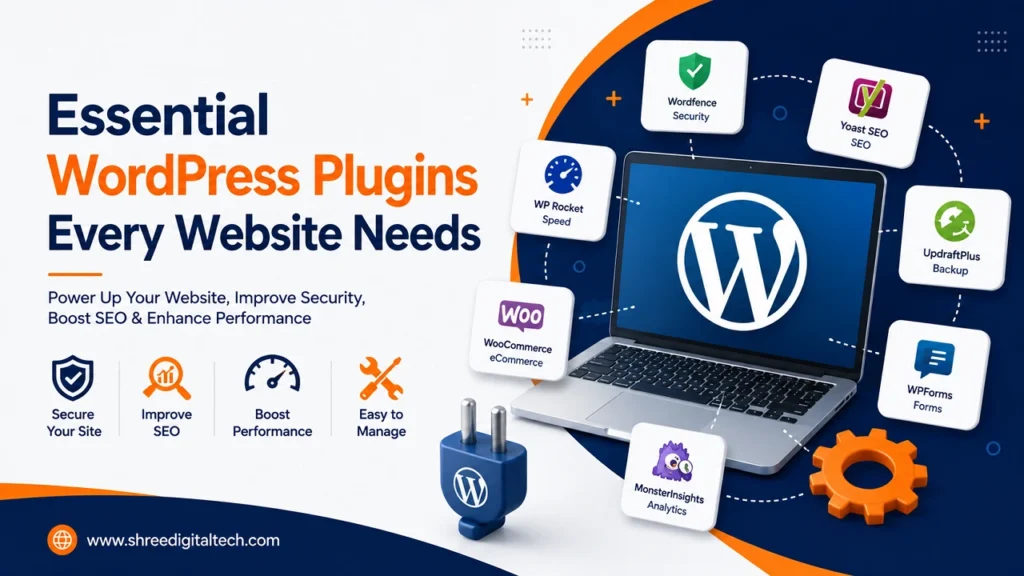
Consider plugins to be like apps for your website. Need a contact form, SEO toolkit, page builder, backup system or CRM integration? There is probably already a plugin for it. There are tens of thousands of free and premium options in the WordPress plugin directory that can fulfilll almost any functional requirement a business site may have. If there’s no plugin available, WordPress’ REST API allows developers to build custom integrations to link the site to accounting software, marketing platforms, or internal business systems.
6. Scalability Without Starting Over
A website should be able to grow with the business, not require a complete rebuild every time requirements change. WordPress can power anything from a simple five-page company site to a full e-commerce store, a learning management system, a membership portal or an internal document hub – often on the same underlying installation. You can add an online store later with WooCommerce or a course platform with a plugin like LearnDash. This is just a configuration decision and not a full platform migration. It’s one of the most obvious advantages WordPress has over simpler builders, which tend to hit a ceiling as a business’s needs get more complex.
7. Attractive Long-Term Cost Structure
WordPress software is free software. Ongoing costs are hosting, domain name and any design or development work that the business chooses to pay for. This is very different to subscription-based platforms where monthly charges build up indefinitely and generally increase as more features are added. A well-maintained WordPress site is generally cheaper over the long term than continuously paying for a closed, subscription-locked alternative — especially when a business begins requiring more advanced functionality.
8. Security That Pays for Good Behaviour
WordPress has a huge developer community and new security issues are often found and patched quickly. Core updates are released regularly that patch vulnerabilities. However, security doesn’t just happen on WordPress. Good hosting, good plugin choices, good login practices, and regular updates are the best defence. Companies that consider WordPress maintenance as a running job and not a one-off build end up with a really secure and reliable platform.
9. A Global Ecosystem and Community
The size of WordPress’s presence on the web is matched by the breadth of its ecosystem of developers, agencies, tutorials and support resources. Hiring qualified WordPress talent is a lot easier than it is for niche or proprietary platforms, whether it is a freelancer for a small fix or an agency for a full-scale build. That depth of support reduces long-term risk and prevents the business from becoming vendor-dependent.
When WordPress Isn’t the Right Fit
No one platform is right for every situation, and it’s worth being honest about WordPress’ limitations. If a business wants a static one time website that will never change in the future, a simple builder may be faster to set up. If you want a completely managed, hands-off platform with no maintenance responsibility at all, the ongoing update and security requirements of WordPress might be more than you want. And sometimes a dedicated commerce platform can be faster to deploy for simple retail e-comm without a content strategy behind it. For most businesses that expect to grow, that publish content on a regular basis, and that want to use their website as a genuine business asset, WordPress is still the stronger long-term choice.
Summary
Picking a CMS isn’t just a technical decision — it’s a business decision that affects how easy it is for a company to market itself, serve customers, and scale online for years to come. WordPress is the number one CMS for business websites because it gets the basics right – ownership, flexibility, SEO strength, scalability and a healthy ecosystem – without locking a business into an expensive, restrictive platform. When businesses invest in a well-built and properly maintained WordPress site, they’re much more likely to have a website that continues to work for them long after launch day, rather than one that has to be rebuilt from scratch as soon as their needs change.
FAQs
1. What is WordPress CMS?
WordPress is a content management system that allows you to build and manage your website without coding. It has themes and plugins that make it easy to customise the design and add features.
2. HTML vs WordPress: Which is better for web design?
WordPress makes it easier to run a website, while HTML gives developers full control over the code and structure. WordPress is generally the more practical pick for quick setup and easy updates.
3. Is WordPress beginner-friendly for people with no technical background?
Yes. The user-friendly WordPress dashboard allows non-technical users to publish pages, update content and manage media without any coding. Later, we can add more advanced features with the help of a developer.
4. Is WordPress good for ecommerce sites?
Yes. WordPress offers full e-commerce solutions with support for sales of digital and physical products, subscriptions, bookings, and multiple payment gateways with plugins like WooCommerce.
5. Does WordPress perform well with SEO?
Yes, WordPress is generally considered to be one of the most SEO friendly platforms out there. It allows businesses the freedom to create URLs, meta tags, sitemaps and other technical SEO elements the way they want, and not the way closed platforms often restrict them.
6. How can I know if my current CMS is holding my business back?
Is your site slow, hard to update, or missing features you need? Your CMS might be to blame. Consistent tech problems, poor SEO tools or rising maintenance costs are also warning signs.
7. Do I need a developer for a WordPress website?
Not necessarily for day-to-day updates but a developer or experienced WordPress professional is generally worth involving for the initial build, custom functionality and ongoing maintenance to keep the site secure and performing well.
8. Is WordPress safe enough for a business website?
WordPress can be very secure when properly maintained – up to date combined with quality hosting and configured with good security practices. Like any platform, it has to be actively maintained, not just adopted with a “set it and forget it” attitude.
9. Will WordPress be able to grow as my business grows?
Yes. WordPress scales from a simple business website to a complex application with e-commerce, membership areas, learning platforms, or custom portals often without the need to migrate to another platform.
10. How long does it take to build a WordPress site?
Timelines will depend on the complexity. For a simple business site, you might be looking at a few days to a couple of weeks, while a more custom build with integrations and advanced features can take several weeks to a few months.
11. How much does a WordPress website cost on average?
The price is largely a function of the complexity of the design, any custom functionality and the need for ongoing maintenance. Basic sites are relatively inexpensive, and advanced, highly customised builds are more expensive – but the total cost of ownership over a number of years is often less than subscription-based alternatives.