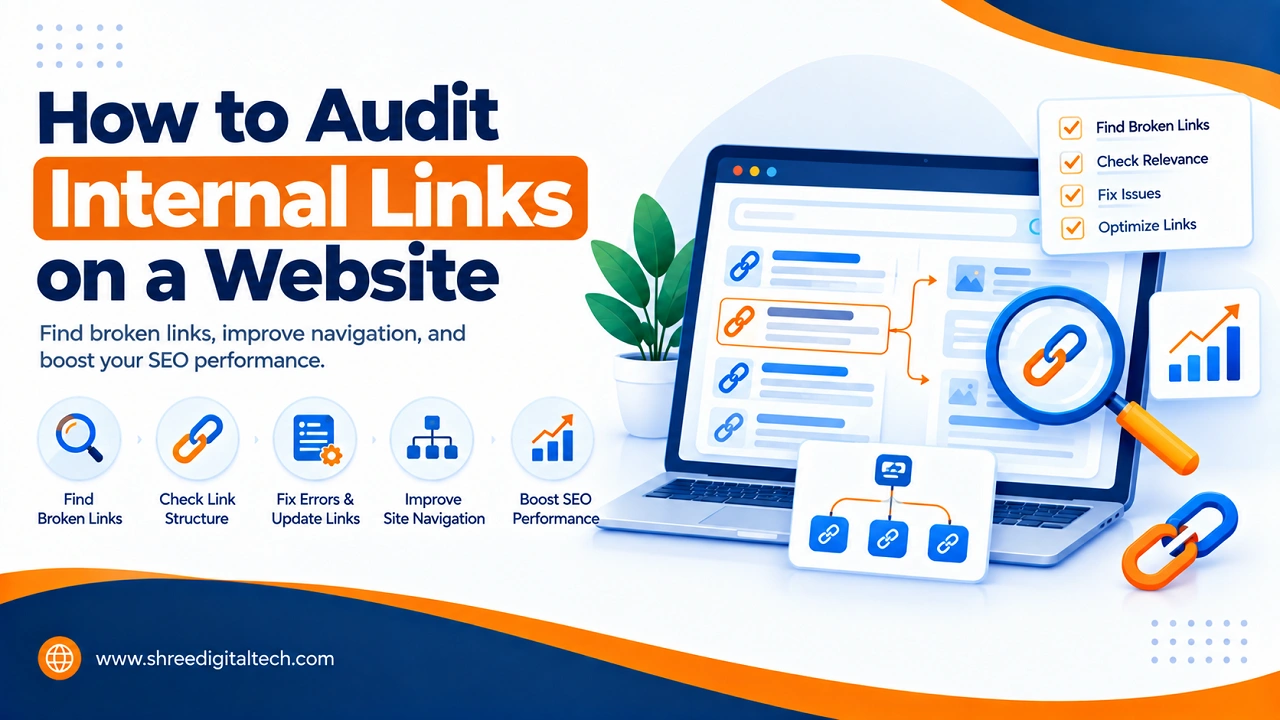
Internal links are the links which connect one page of your website with another page on the same website. They assist people in navigating your website. They also aid search engines in comprehending your website. Unoptimized internal linking can lead to loss of traffic and rankings for your website. This is why it is essential to have an internal link audit periodically.
In this article, we will discuss the simple ways to do the internal link audit of a website.
What Is an Internal Link Audit?
The internal link audit involves reviewing all of the links on your website that redirect to other pages on your site. In this audit you search for broken links, wrong links, missing links and pages with insufficient internal links to them.
The aim is straightforward: Ensure that each page is easily accessible, all links are functional, and the structure of your site is streamlined.
Why Internal Link Audits Are Important
- Improved user experience – Users are able to navigate between pages without encountering issues.
- Improved SEO – Search engines use internal links to discover and comprehend your pages. Strong internal linking can boost your pages’ ranking.
- Internal links are linking correctly – Internal links are transferring value from good pages to poorer pages. This allows new or important pages to be noticed.
- Less errors – Broken links give an unprofessional impression and can affect your search ranking.
Once you have mastered the basics of auditing internal links, it is time to learn how to do so step-by-step.
Also Read: What is Search Visibility and How it Works
Step 1: Crawl Your Website
The initial step is to first crawl your website using a tool. Crawling simply refers to the tool that visits all of your pages and logs all of the links that are discovered. This is accomplished with popular tools such as Screaming Frog, Ahrefs, and SEMrush. Most of these tools are free and sufficed for small websites.
Step 2: Find Broken Internal Links
After performing the crawl, check for links that return an error such as “404 Not Found. The links are not working. They typically occur when a page is removed or the URL of the page is changed but links to the page have not been updated.
These can be fixed by:
- Changing the link to link to the right page.
- Migrating an old URL to a new relevant page.
Step 3: Check for Redirect Chains
There are times when a link will lead to another page which will then lead to another page. This is known as a redirect chain. It reduces site speed and bamboozles search engines. Ideally, try to get rid of internal links that go through several redirects to the final page.
Step 4: View Orphan Pages
Orphan pages are those pages that do not have any internal links leading to them. This could prevent people and search engines from finding these pages organically. Identify orphan pages on your site with your crawling tool and link to them with links from pages that are related.
Also Read: Why Have My Google Rankings Dropped? 9 Real Reasons (And How to Fix Each One)
Step 5: Check Anchor Text
The text of a link that is clickable is called anchor text. You should use anchor text that is descriptive and easy to understand and explains the content of the page linked to. Don’t use any general terms such as “click here. Rather, write words that are associated with the page content, such as “read our SEO guide.
Step 6: Review Link Depth
Link depth” refers to the number of clicks needed to get to a page from your homepage. Deeper pages (requiring 5 or 6 clicks to reach) are less discoverable to users and search engines. Make sure the most critical pages of your site are no more than 2-3 clicks from your homepage.
Step 7: Check for Over-Linking
While a high number of internal links can be beneficial for a website’s overall structure, having an excessive number of links on a single page can create issues for users and cause the value of each link to dissipate. Make sure that internal links are relevant and that too many internal links are not stuffed on one page.
Step 8: Correct Non-Descriptive /Duplicate links
The same page may be linked to many URLs, such as those ending in or omitting a trailing slash, or with or without the prefix “www”. This can lead to confusion for search engines. Ensure that all internal links are formatted in the same way.
Also Read: How to Find Low-Competition Keywords (2026 Guide)
Step 9: Edit Your Sitemap
Update your XML sitemap after you’ve corrected your inbound links. This will make your pages easier for search engines to find and crawl.
Step 10: Repeat the Audit Regularly
The internal link audit is not a one-off affair. Websites expand and evolve, pages change, links break. Do monthly or quarterly internal link audits, or whenever you make a significant change to your website.
Simple Checklist for Internal Link Audit
- Crawl the entire website
- Find and fix broken links (404 errors)
- Fix redirect chains
- Find and link orphan pages
- Improve anchor text
- Check link depth
- Avoid over-linking
- Resolve duplicate or conflicting URLs
- Update the sitemap
- Do this activity periodically.
Conclusion
One of the easiest and most effective strategies you can use to enhance your website is auditing internal links. It can improve user experience, aid search engines in comprehending your website, and enhance your search engine optimization. With the steps above, you will be able to maintain a clean, strong, effective internal link structure for your website.
FAQs
Q1. What is an Internal Link?
An internal link is a link that links one page of a site to another page of the same site.
Q2. How do I do an audit of internal links?
Internal links are good to audit every 3-6 months or whenever there are major changes to your website.
Q3. What tools can I use to audit internal links?
To crawl and verify your internal links you can employ different tools such as Screaming Frog, Ahrefs, SEMrush or Sitebulb.
Q4. What is an orphan page?
An orphan page is a page on your website that you can’t easily find because it doesn’t have any internal links on your site pointing to it.
Q5. What is the problem with internal broken links?
The presence of broken links can negatively impact the user experience and prevent search engines from crawling and understanding your website effectively, potentially affecting your ranking.
Q6. What is a good anchor text?
Good anchor text is clear and informative of what the linked page is about, rather than using the vague words “click here.”
Q7. Can too many internal links be bad?
Yes, too many internal links on one page can confuse users and reduce the value passed to each link. Keep links relevant and limited.